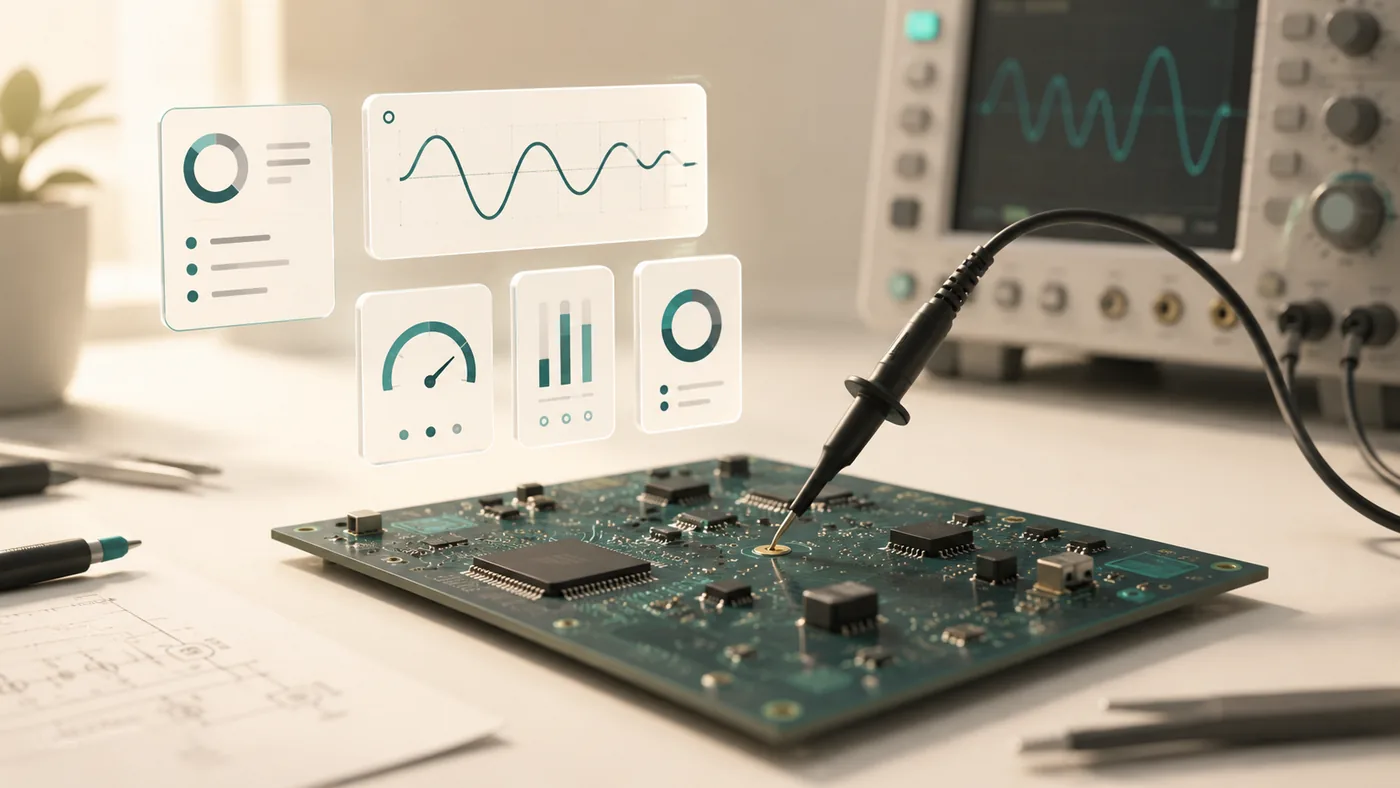
TestOK reads your device's design documents, drives the bench instruments, and tells you exactly what's wrong — closing the loop between design intent and bench reality.
testok-bench.vercel.app/testok-demo · no sign-in needed · free
Every run produces a closed-loop verdict that cites the actual readings. No black-box scores; every claim points back at a measurement you can re-check yourself.
High output ripple, DC regulation clean — output capacitor.
Output ripple measured TP3: 48.09 mV against a 15 mV limit (3.2× over spec). DC output voltage is within spec at every load point (TP1: 3.299 V, TP2: 3.302 V), so the pass device, the reference and the feedback loop are healthy. A ripple-only failure of this magnitude points to the output capacitor — most likely an under-valued or high-ESR COUT.
Bring-up is the slowest part of hardware. Engineers spend hours probing rails, cross-referencing the datasheet on one monitor and the oscilloscope on another, writing throwaway test scripts, and second-guessing marginal readings. The instruments capture data; they don't understand the design.
Bench bring-up should take an hour. It takes a week.
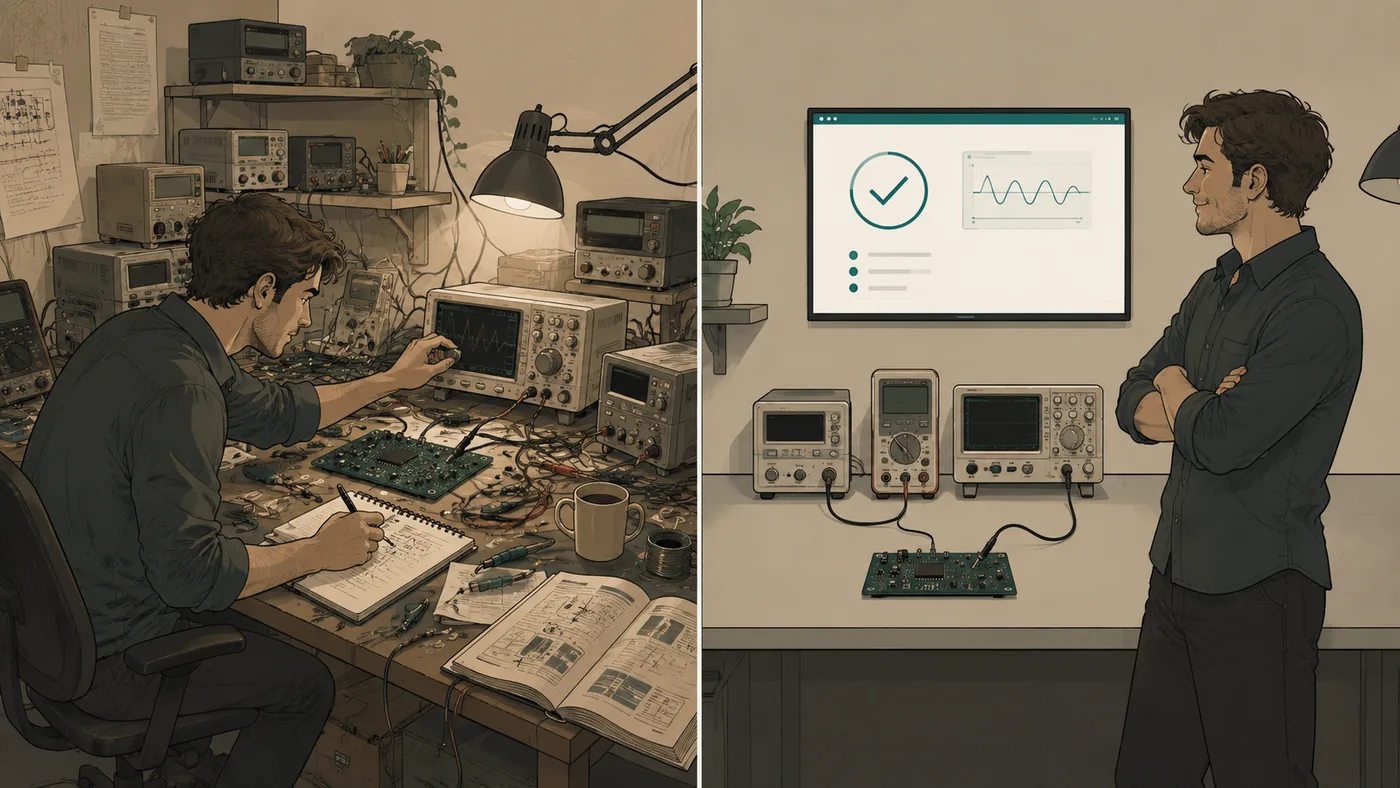
Before TestOK · After TestOK
Drop in a datasheet (or pick from the library). TestOK understands the spec, drives the instruments, and reasons about the result — citing the actual readings so the diagnosis is auditable.
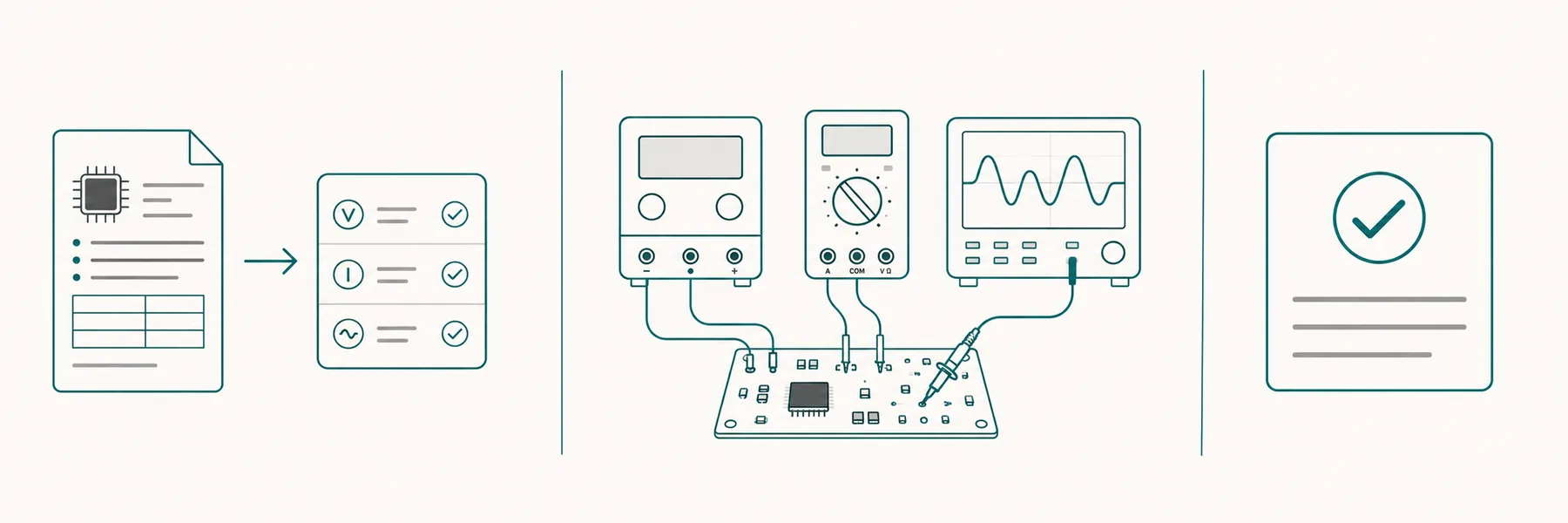
PDF, Excel or markdown — the LLM extracts the test plan, the limits and the instruments each check needs.
PSU, electronic load, DMM, scope, spectrum analyser — over VISA, in the simulator, or any mix. Every SCPI exchange is logged.
Pass / fail / abstain per check, plus a structured diagnosis that cites the actual readings — and tells you the most likely root cause and next step.
Same loop, whether the bench is real instruments over VISA or the built-in simulator. The diagnosis quality doesn't change.
One real run on the HW-131 LDO board — read the context, pick the board, model and test, drive the bench, catch the ripple fault, trace it to the output capacitor on the schematic and the board, and export the report.
Upload the datasheet (PDF / Excel / CSV / Markdown). TestOK extracts the electrical-characteristics table and turns each row into an executable check — with limits, conditions, and which instrument it needs.
Drive real Keysight, Rigol or generic SCPI instruments through the same UI. No new framework to learn — the test plan you saw simulated runs unchanged on the live bench.
Every diagnosis paragraph cites the actual readings inline (TP1: 4.987 V). You see why the model said what it said. No black-box conclusions.
Export any run as a branded PDF, self-contained HTML, or JSON. Optional SCPI log + source-document appendix make the report self-contained for QA / compliance.
Upload a custom board's docs in one dialog — datasheet + BOM + test procedure + a real photo of the PCB. The bench artwork shows the photo so the instrument probes appear to land on the actual board.
Rule-based mock (offline, deterministic), local model via Ollama (on-prem, no cloud), or Anthropic Claude (the highest-quality free-form reasoning). Swap with one click.
When you're debugging, both hands are on probes and your eyes are on the board — not the keyboard. So TestOK now has a hands-free voice layer: say the wake word, run a test by voice, and hear the verdict read back while you keep probing.
Say “TestOK” — it listens only after that, so bench chatter won’t trigger a run.
“Run the low-rail test.” “Show the schematic.” Hands never leave the probes.
TestOK reads the result aloud — pass/fail, the number, and the suspect part.
“TestOK, run the low-rail test.”
“Fail. Output droops to 3.23 V under load — 68 mV low. Suspect U1 or input headroom.”
Live in the demo · open it in Chrome and say “TestOK, run the test”
Whether you'd like to pilot TestOK on a real board, partner on an instrument integration, or invest — the inbox is open.